
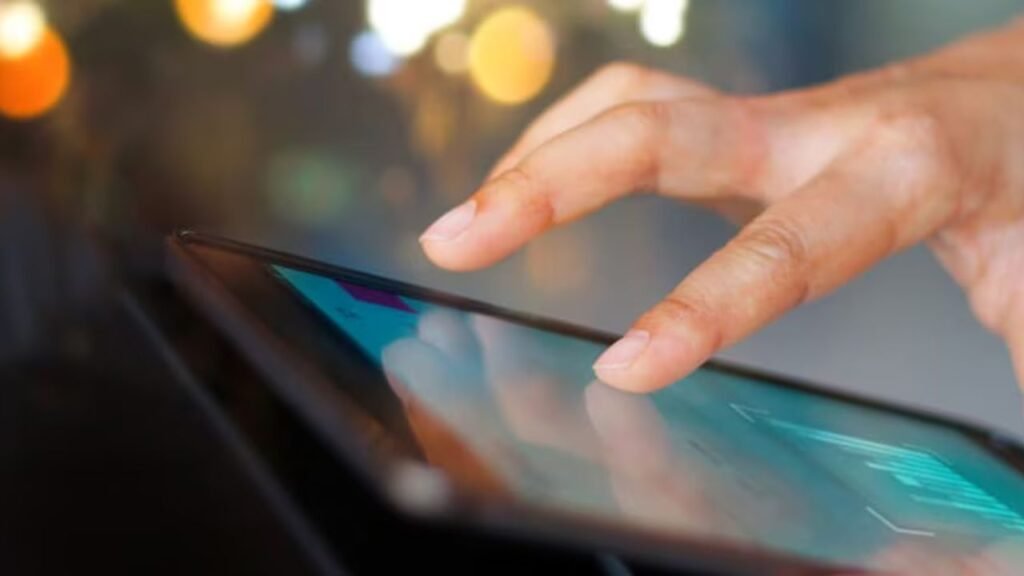
Touchscreens have become a natural part of daily life. From smartphones and tablets to ATMs, kiosks, and car dashboards, we interact with screens by tapping, swiping, and pinching without thinking much about what happens underneath. While it feels simple on the surface, touchscreen technology relies on clever science and engineering to detect finger movement and translate it into commands.
Understanding how touchscreens work helps explain why they respond the way they do, why gloves sometimes fail, and how modern screens have become so accurate.
The Basic Idea Behind Touchscreens
At their core, touchscreens work by detecting a change on the screen when you touch it. Your finger does not “press a button” inside the device. Instead, it alters an electrical or physical property on the screen’s surface. The device’s processor then interprets that change as a specific action, such as a tap, swipe, or zoom.
There are several types of touchscreen technologies, but most modern devices use one dominant method.
Capacitive Touchscreens: The Most Common Type
Smartphones, tablets, and modern laptops mainly use capacitive touchscreens. These screens are coated with a transparent layer that stores a small electrical charge.
The human body naturally conducts electricity. When your finger touches the screen, it draws a tiny amount of this charge toward itself. Sensors placed at the corners or edges of the screen detect the exact location where the electrical field changed.
The system then calculates:
- Where the touch occurred
- How long the touch lasted
- Whether the finger moved across the screen
This allows the device to understand gestures like tapping, dragging, scrolling, and pinching.
Because capacitive screens rely on electrical conductivity, they usually do not work with regular gloves or plastic objects. Special touchscreen gloves include conductive fibers to solve this problem.
Resistive Touchscreens: Pressure-Based Detection
Before capacitive screens became common, many devices used resistive touchscreens, which are still found in some industrial equipment and older systems.
Resistive screens consist of two thin layers separated by a small gap. When you press the screen, the layers touch each other, completing an electrical circuit at that point. The device detects the location of the pressure and responds accordingly.
These screens work with fingers, styluses, or any object, but they are less sensitive and do not support advanced multi-touch gestures as smoothly as capacitive screens.
How Touchscreens Track Finger Movement
Touchscreens do not just detect a single point of contact. They continuously monitor changes across the screen surface many times per second.
As your finger moves:
- Sensors track the shifting electrical changes
- The system creates a path of movement
- Software translates that path into scrolling, drawing, or navigation
This rapid detection allows screens to feel smooth and responsive, even during fast swipes or complex gestures.
Modern touchscreens can process dozens of touch points at the same time, enabling features like multi-finger zooming, gaming controls, and handwriting recognition.
Turning Touch Into Commands
Detecting a touch is only part of the process. The device must also decide what the touch means.
Software plays a key role here. The operating system interprets:
- A quick tap as a selection
- A long press as a secondary action
- A swipe as a scroll or navigation command
Apps add another layer by defining how they respond to different gestures. This combination of hardware detection and software interpretation makes touch interaction feel intuitive.
Why Touchscreens Have Improved Over Time
Early touchscreens were slow, inaccurate, and prone to errors. Advances in sensor design, processing speed, and software algorithms have made modern screens far more precise.
Improvements include:
- Higher sensor resolution
- Faster refresh rates
- Better palm and accidental touch rejection
- Enhanced responsiveness for styluses
These developments allow touchscreens to work reliably across different environments and use cases.
The Future of Touch Interaction
Touchscreen technology continues to evolve. New research explores pressure sensitivity, gesture detection above the screen, and haptic feedback that simulates physical buttons.
While voice control and gesture-based systems are growing, touchscreens remain popular because they are direct, fast, and familiar.
Conclusion
Touchscreens detect finger movement by sensing tiny electrical or physical changes on the screen surface and translating them into digital commands. What feels like a simple tap is actually the result of precise sensors, fast processing, and intelligent software working together.
The next time you swipe your screen, you are interacting with a sophisticated system designed to make technology feel effortless and natural.